
5 BRSR mistakes auditors catch every year
Compliance & Regulations
PS Team
July 21, 2026
Table of Contents
Every year, more companies begin filing BRSR. Some cross SEBI's market capitalisation threshold. Others are required to provide BRSR data by lenders, investors, or large customers.
Many first-time filers treat BRSR like a longer sustainability report. They answer the questions, collect approvals, submit the report, and move on.
That's where most problems begin.
With BRSR Core assurance becoming mandatory for more companies, your report is no longer simply reviewed. Every number, calculation, and disclosure can be checked. Auditors follow a structured review process, and they tend to find the same mistakes year after year. Most of them are easy to avoid if you know what to look for.
Here are five of the most common mistakes, and how to avoid them.
1. Using "Not Applicable" as an Easy Way Out
BRSR allows you to mark a disclosure as "Not Applicable" only when it genuinely does not apply to your business. A common mistake is using it for information that hasn't been collected yet or is difficult to measure.
For example, a manufacturing company may mark a water reuse question as "Not Applicable" because it doesn't have a recycling program. But if the company consumes water, the question still applies. The issue is missing data, not an inapplicable disclosure. Auditors spot this quickly because they compare your disclosures against your actual business activities.
What to do instead
Before selecting "Not Applicable," ask one question: does this activity exist in the business? If the answer is yes, provide the data if you have it. If you don't have it yet, explain why instead of marking it as "Not Applicable."
2. Changing Your Reporting Boundary Without Realising It
Many BRSR Core metrics depend on a consistent reporting boundary. First-time filers often change that boundary without noticing.
For example, imagine you report emissions from one manufacturing plant but divide them by revenue from the entire company. The intensity looks lower than it should because the emissions and revenue cover different parts of the business. Another common issue is adding a new facility's emissions this year without updating last year's numbers to match, making the two years impossible to compare fairly.
When reporting boundaries shift from one year to the next, meaningful year-on-year comparison becomes impossible. It's also one of the first things auditors review.
What to do instead
Define your reporting boundary before you start collecting data. Decide whether you're reporting at the legal entity level or the group level, and which facilities are included. Apply the same approach every year unless there's a valid reason to change it. If your boundary changes, explain it clearly.
3. Using the Wrong Revenue Figure
Some BRSR Core intensity metrics use Purchasing Power Parity (PPP) adjusted revenue instead of the revenue shown in your financial statements. PPP adjustments help make intensity metrics more comparable across countries.
Many sustainability teams aren't aware of this requirement, especially if finance joins the process late. As a result, they calculate intensity using the standard revenue figure instead. The outcome is an intensity ratio that looks unusually high or unusually low compared to similar companies, and auditors often investigate exactly this kind of mismatch.
What to do instead
Involve your finance team early. Confirm which revenue figure each metric requires, and keep a clear record of the source and the calculation. Auditors often ask to see how a number was derived, not just the final result.
4. Having No Record of How Numbers Were Built
Many other reporting mistakes stem from this one.
Many first-time filers build BRSR disclosures using emails and shared spreadsheets. Over time, numbers get updated, files get replaced, and nobody is quite sure which version is final.
BRSR Core assurance checks more than the final number. Auditors trace reported values back to their original source. They review who entered the data, who approved it, and whether any changes were made later. A spreadsheet with no version history or approval trail makes that process difficult, even when the numbers themselves are accurate.
What to do instead
Make sure every data point has:
- A clear source
- A named owner
- An approval record
- A complete change history
If a value needs correcting later, record it as a correction instead of silently replacing the original number.
5. Skipping Leadership Indicators and Hiding Restatements
Two smaller mistakes round out the list.
The first is skipping Leadership Indicators because they're optional. They're not mandatory, but they give you an opportunity to demonstrate sustainability performance beyond the minimum reporting requirements.
The second is quietly changing a previous year's number without explaining why. For example, emissions may be recalculated after better activity data becomes available. If the revised figure appears without any explanation, auditors have no way of knowing whether it reflects a genuine correction or an error.
What to do instead
Complete all Essential Indicators first. Then report Leadership Indicators where they add value.
Whenever you revise a previous year's number, disclose the restatement clearly and explain why the change was made.
The Real Problem Behind All Five
These mistakes all come from the same mindset: treating BRSR as a report prepared once a year instead of a process that runs throughout the year.
Companies that go through the smoothest assurance cycles don't wait until reporting season to organise their data. They define reporting boundaries early, assign ownership, and document every important change as it happens.
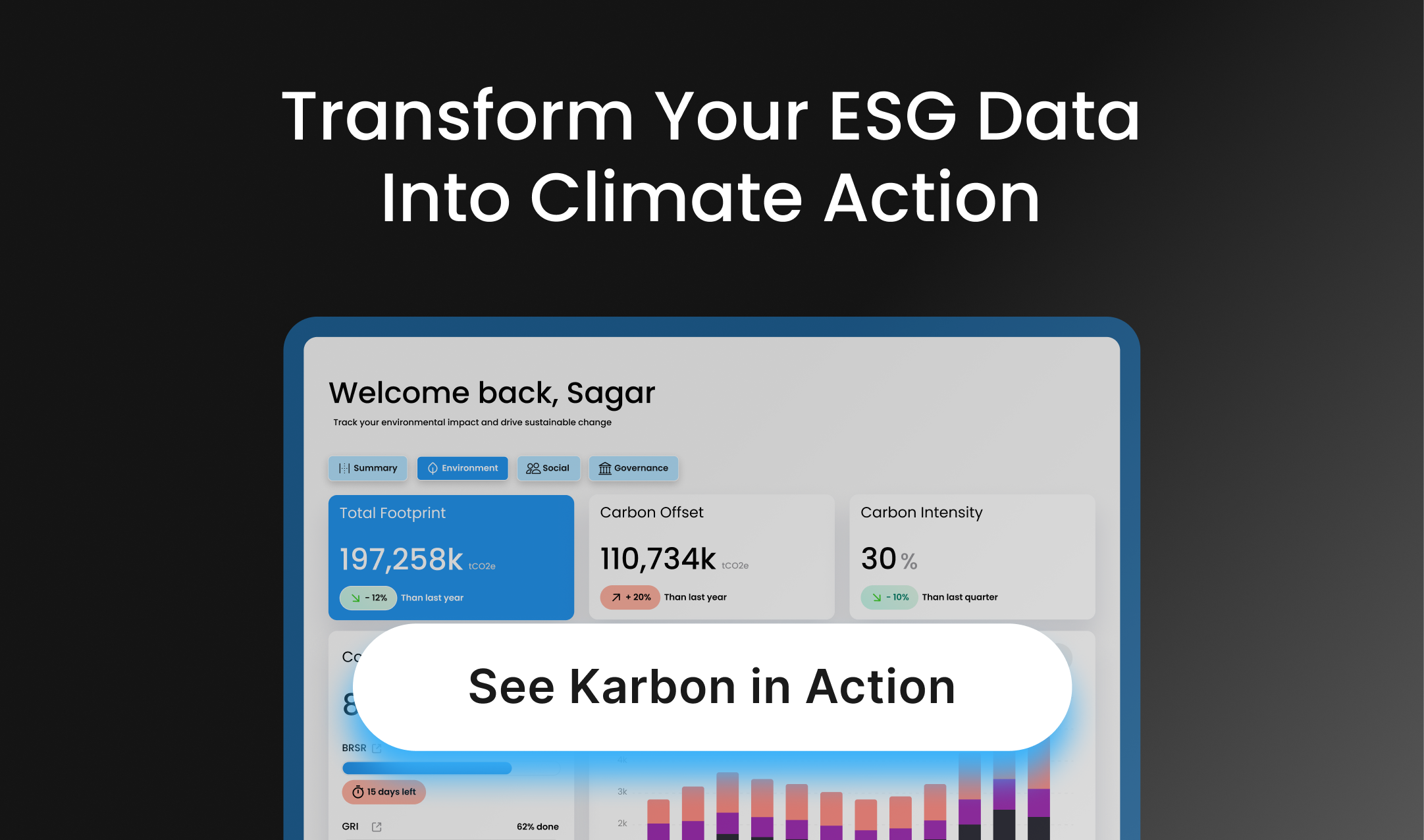
How Karbon by Planet Sustech Helps
Karbon is built to solve the problems behind these common mistakes.
It keeps reporting boundaries consistent, records the source and owner of every data point, tracks approvals, logs corrections instead of overwriting data, and keeps Essential and Leadership Indicators separate. Every reported figure is supported by a clear audit trail, making it easier to demonstrate how each number was calculated and approved.
That means when an auditor asks where a number came from or how it was calculated, the evidence is already available instead of being scattered across emails and spreadsheet versions.
Final Thoughts
Your first BRSR filing doesn't need to become an exercise in fixing avoidable mistakes.
Get the basics right from the start. Define your reporting boundary, document every number, involve finance early, explain changes clearly, and keep complete records throughout the year.
Good reporting isn't about preparing for an audit a week before the deadline. It's about building reliable processes throughout the year.
When auditors begin asking questions, you'll already have the answers.
See how Karbon keeps your BRSR data audit-ready.
Book a walkthrough with Planet Sustech to see how Karbon helps simplify BRSR reporting, strengthen data governance, and prepare your organisation for BRSR Core assurance with confidence.